By L8MS Team · Updated 10 Nov 2026
With a site open, administrators see a Customise Site group in the menu: Systems, Locations, Tasks, Merge Risk Assessment and Run Site Planner. Assets and their tests are reached from Locations; a task’s assets from Tasks.
 The Customise Site menu.
Started from an assessment or spreadsheet?Retrieve RA and Upload New Site create the systems, locations, assets and tasks for you. Check them, then run the site planner.
The order
Systems — the water systems on site (mains cold, stored hot water, …).
Locations — the rooms and areas, in the order an engineer walks them.
Assets — the outlets, tanks, calorifiers and TMVs in each location. A setup profile gives each new asset its standard tests.
Tests — check each asset’s tests and limits.
Tasks — what is done, how often and by whom.
Task assets — which assets each task visits, and in which months.
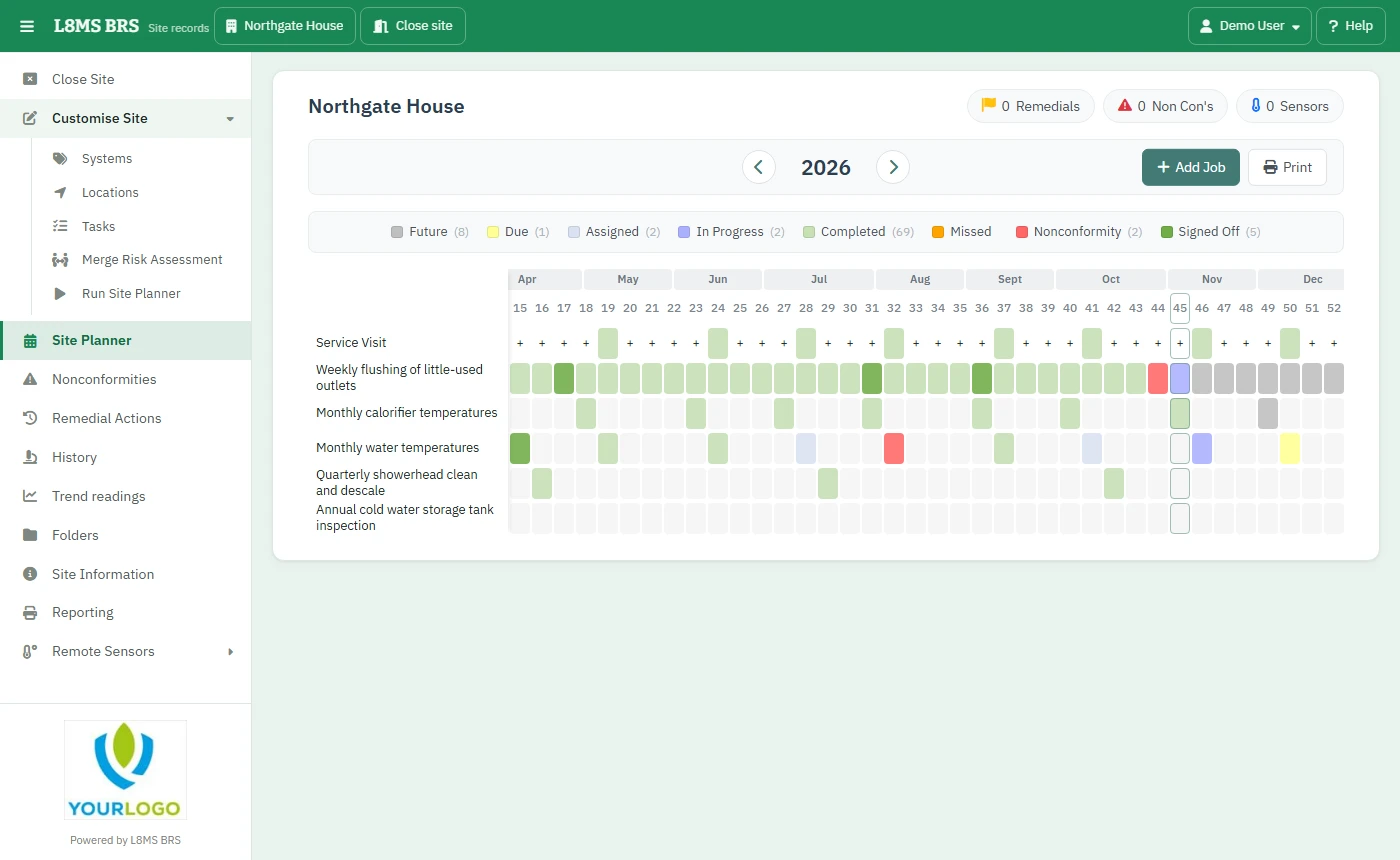
Run Site Planner — turns the tasks into planned visit dates.
Changing things laterWhen you change a task’s dates or schedule, BRS offers to re-plan it straight away. You can also re-plan from Run Site Planner at any time.