By L8MS Team · Updated 10 Nov 2026
L8MS BRS (Building Record System) is at brs.l8ms.com. Some companies have their own sign-in link, which shows their logo above the form — either works.
Steps
-
Enter your Email address and Password. Your email address is your username. Use the eye icon to check what you have typed.
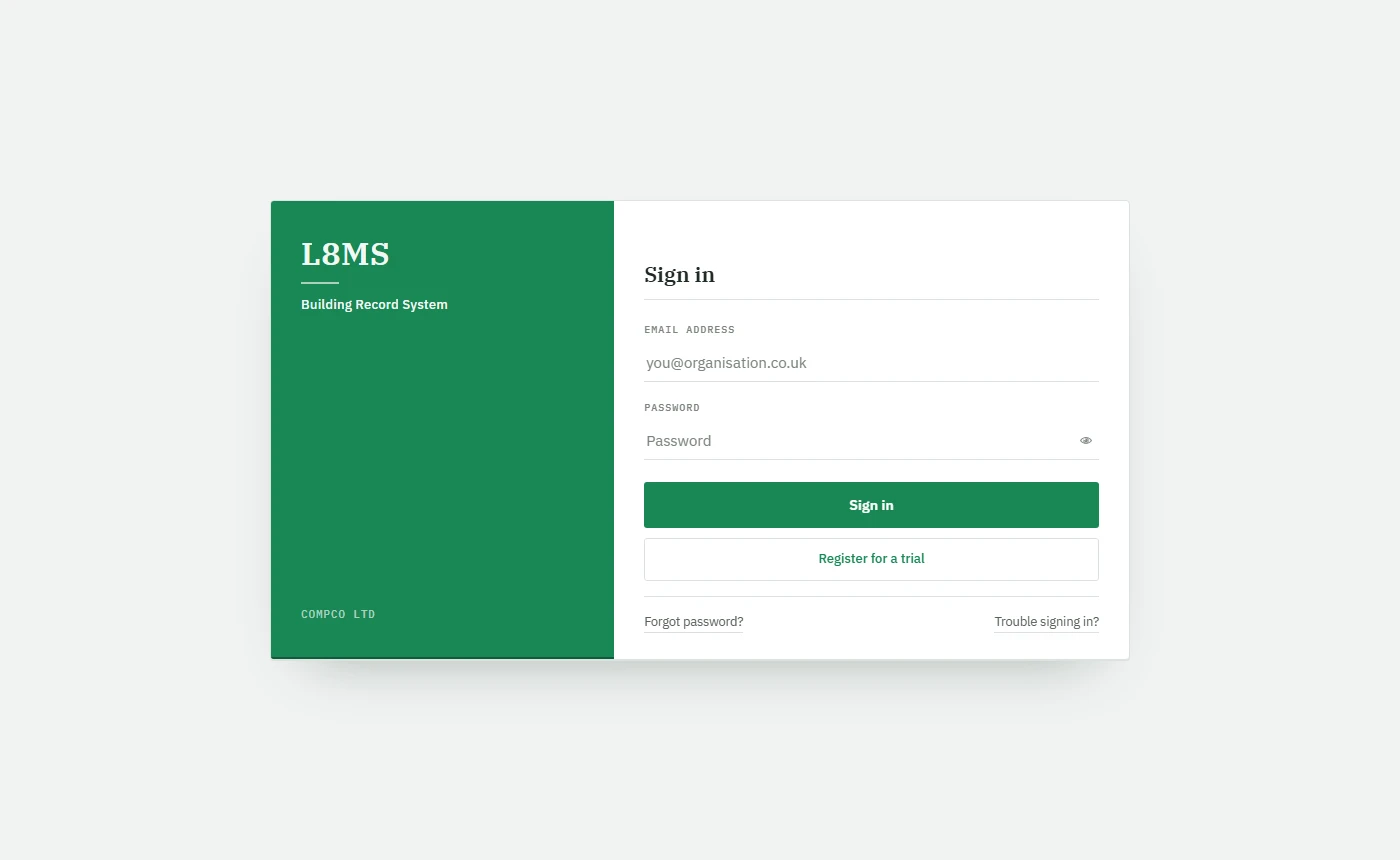 The sign-in screen.
Click Sign in. Most people go straight to their dashboard.
-
Depending on your account you may see one more step first:
Wrong email or passwordAfter several failed attempts in a few minutes you are asked to wait before trying again. Keep going and the account locks — you get an email to say so, and you will see Your account is locked after too many failed attempts. If you are not sure of your password, stop and use Forgot password? instead.
Trouble signing in?If the page keeps sending you back to sign in, click Trouble signing in? under the form. It clears BRS’s saved settings in your browser and reloads the page; then sign in again.
Register for a trial sets up a new organisation. If your company already uses BRS, ask your administrator to add you instead.