By L8MS Team · Updated 10 Nov 2026
If you have forgotten your password, do not keep guessing — too many wrong attempts locks the account. Ask for a new one instead.
Step 1 — Get an emailed password
On the sign-in page click Forgot password?
-
Enter your Email address and click Email me a new password.
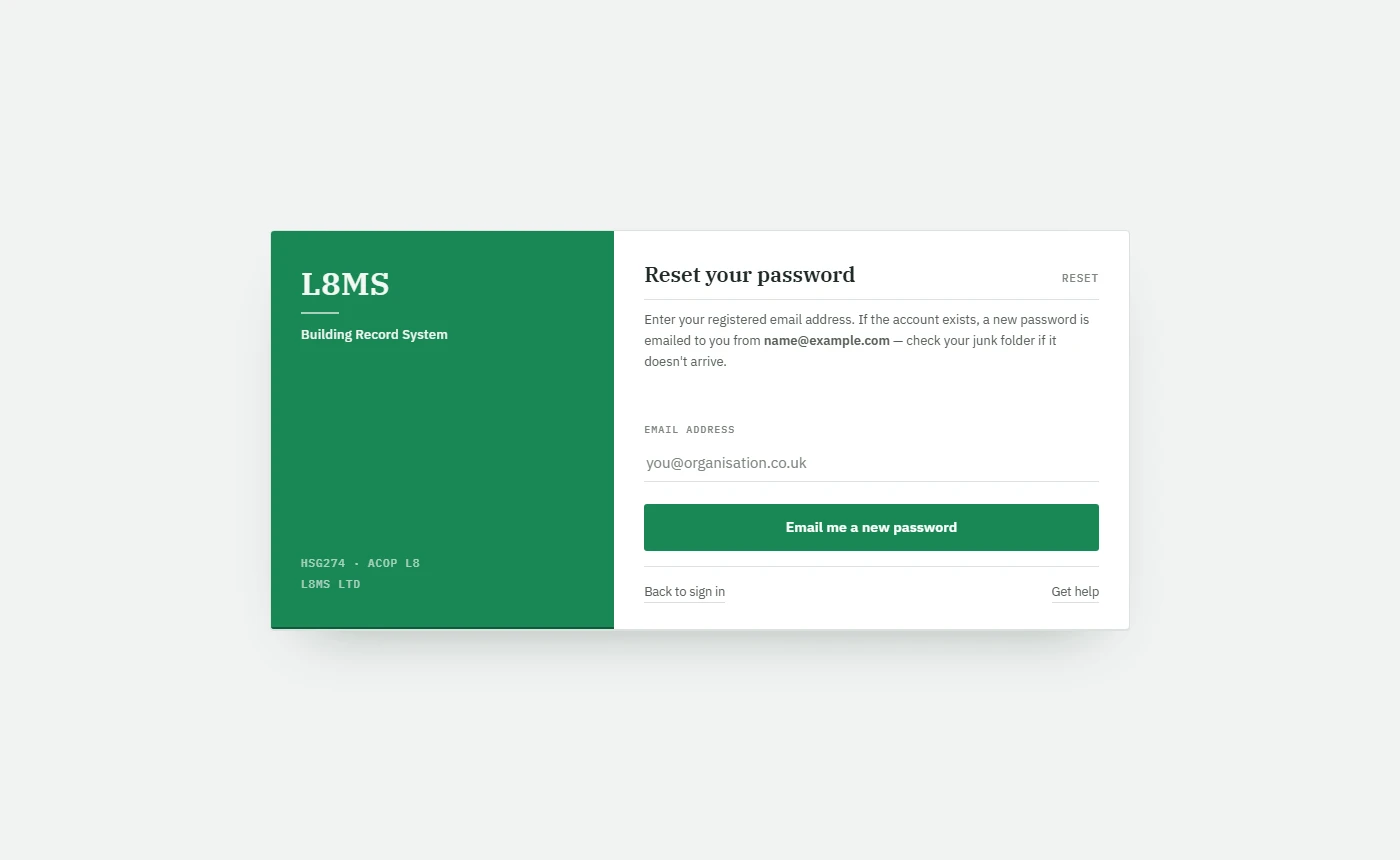 Asking for a new password.
If an account exists for that address, a new password is emailed from noreply@l8ms.com. Check your junk folder if it does not arrive within a few minutes.
Step 2 — Choose your own password
Sign in with your email address and the emailed password. BRS takes you straight to Set a new password.
-
Enter the Emailed password again, then your New password twice, and the answer to your security question.
Click Set new password, then sign in with the new password.
Password rulesAt least 8 characters, with a capital letter, a lower-case letter, a number and a special character.
Account locked?A reset does not unlock a locked account — contact L8MS.