By L8MS Team · Updated 10 Nov 2026
The Appointed Persons card on Site Information records who holds each appointment at the site — for example the Responsible Person and Deputy for Water Hygiene (L8). Site administrators can change it.
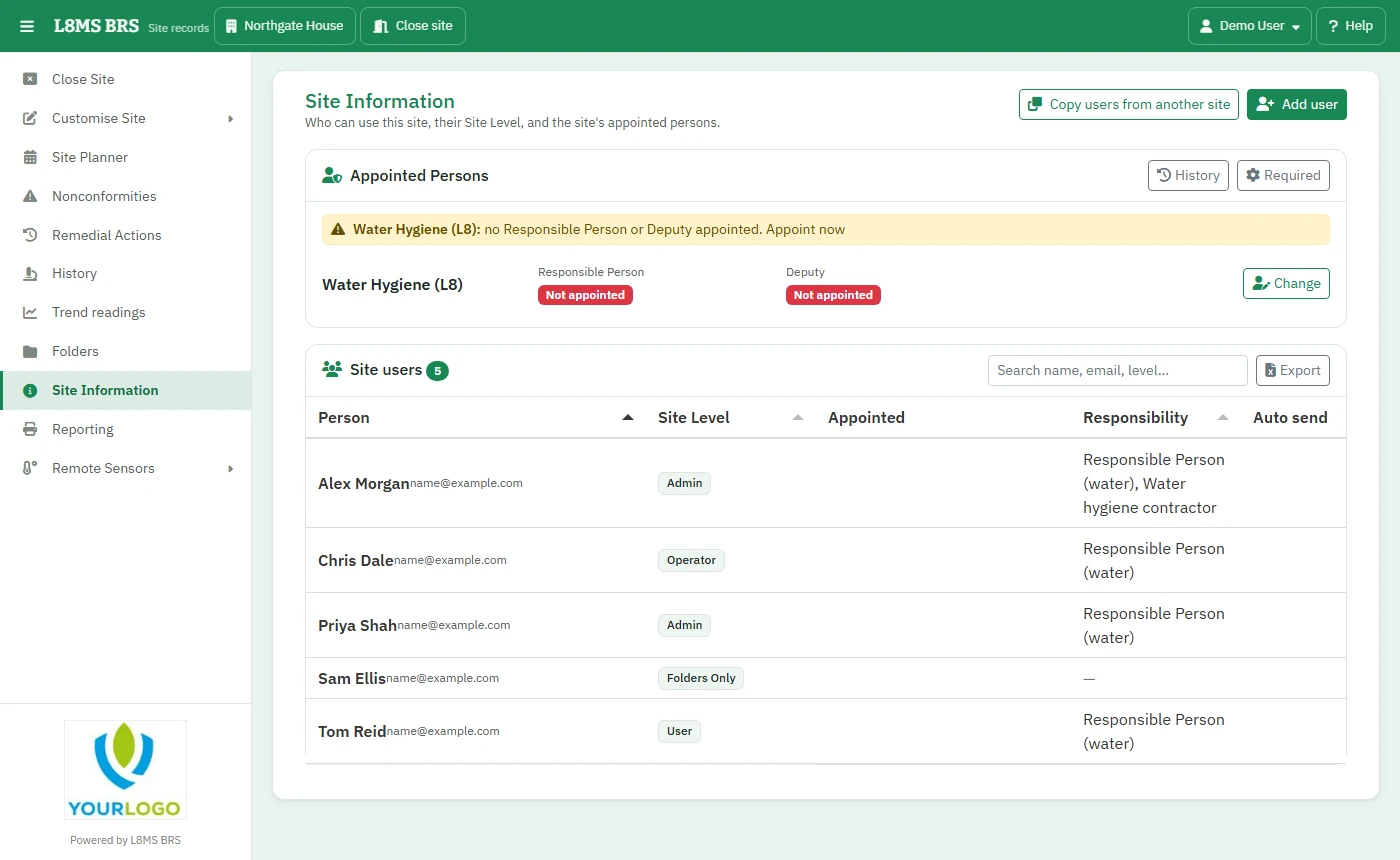 Appointed Persons, with a missing Deputy.
If a required appointment is empty, the card shows a warning such as no Deputy appointed, with an Appoint now link.
Appoint someone
Click Change on the appointment.
-
Choose the Responsible Person and the Deputy (some appointments allow more than one deputy). Only people who are already users of the site can be chosen — add them to the site first if needed.
If someone was appointed before they were recorded here, set the Appointed date to when it really happened.
Click Save. Changing a holder ends the previous person’s appointment — nothing is deleted.
Which appointments a site needs
Click Required and switch each appointment type on or off for this site. A site only warns about missing appointments that are required. Water Hygiene is required everywhere unless you turn it off.
History
History lists every appointment at the site, current and ended, with who made and ended it and when.
Across all your sitesThe Appointed Persons report shows every site missing a Responsible Person or Deputy, and can set them in bulk.