By L8MS Team · Updated 10 Nov 2026
Works Schedule › Overview is the cross-site view of who is doing what. It lists your users; pick the engineers you are interested in and choose how to see their visits.
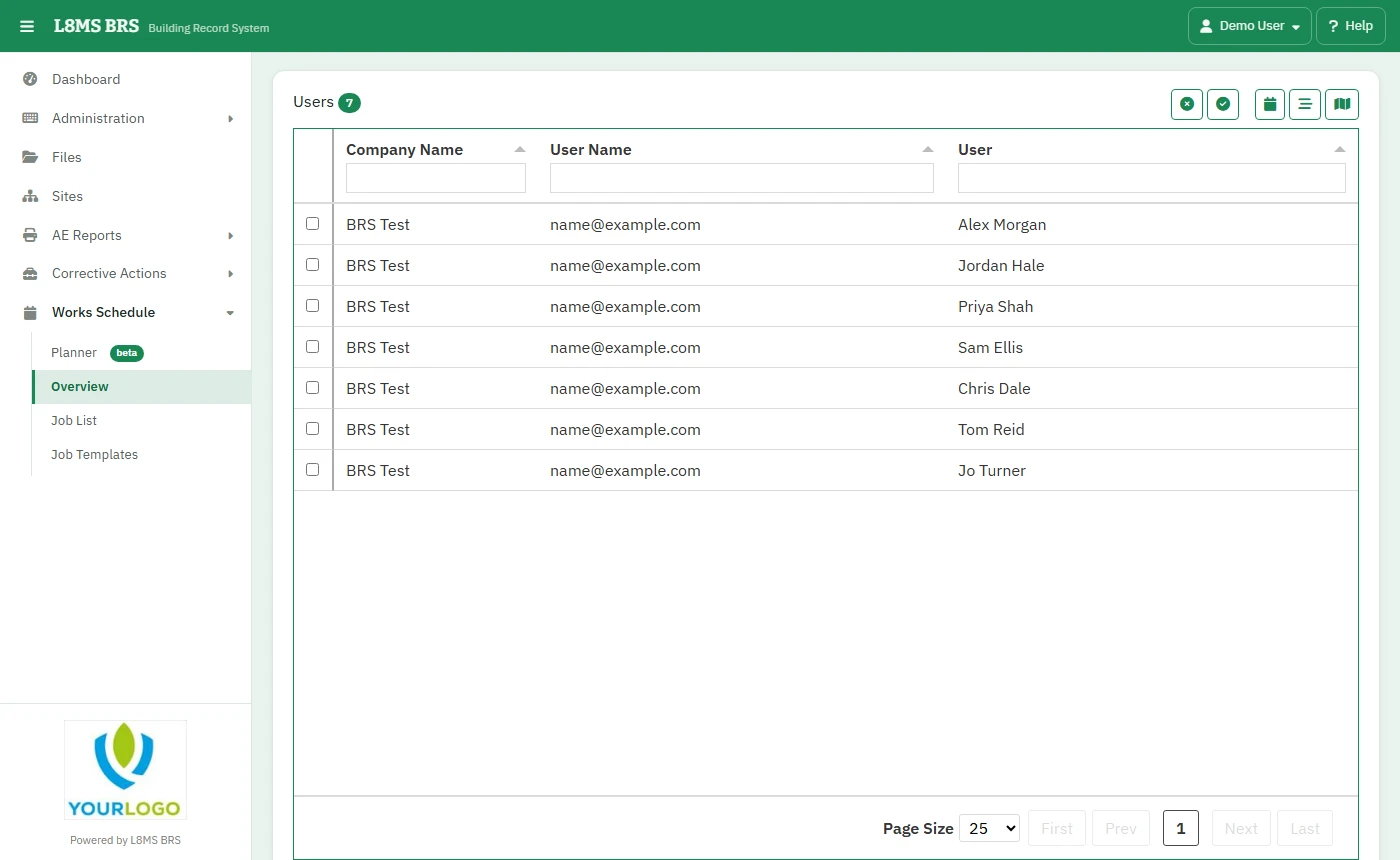 The overview.
Steps
Tick the engineers (the buttons select all or none).
-
Choose a view:
- Calendar — visits on a month or week grid.
- Timeline — a row per engineer, by day, week or month.
- Map — their visits on a map.
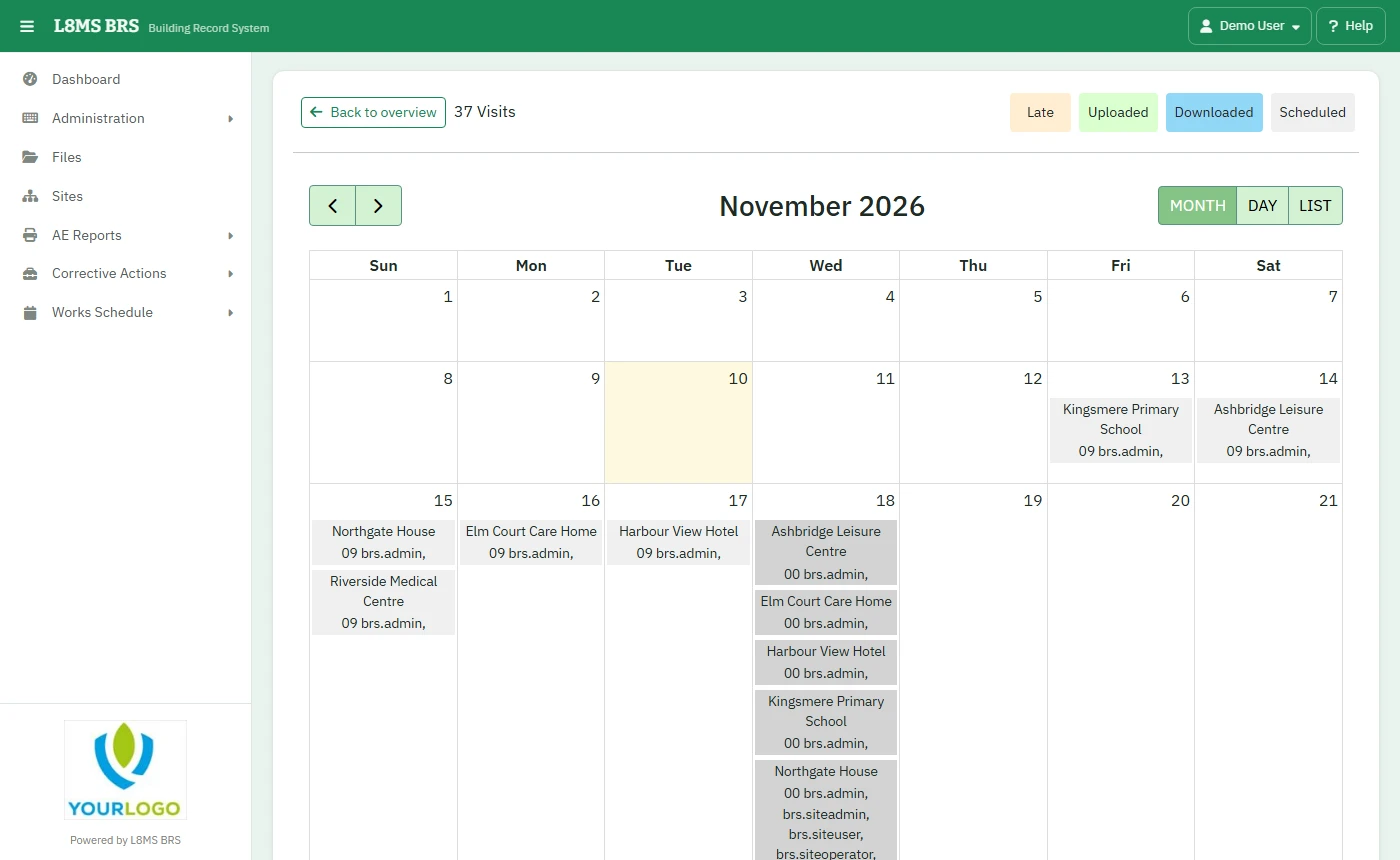 The calendar.
Colours show each visit’s state: scheduled, downloaded to the engineer’s device, uploaded, or not uploaded yet.
Click a visit for its Visit Information; OPEN opens the service visit. Filter Timeline narrows by user type or name. Back to overview returns to the list.