By L8MS Team · Updated 10 Nov 2026
Works Schedule › Job List is the working screen for getting scheduled work out to engineers. It lists the jobs (tasks due) across every site you manage.
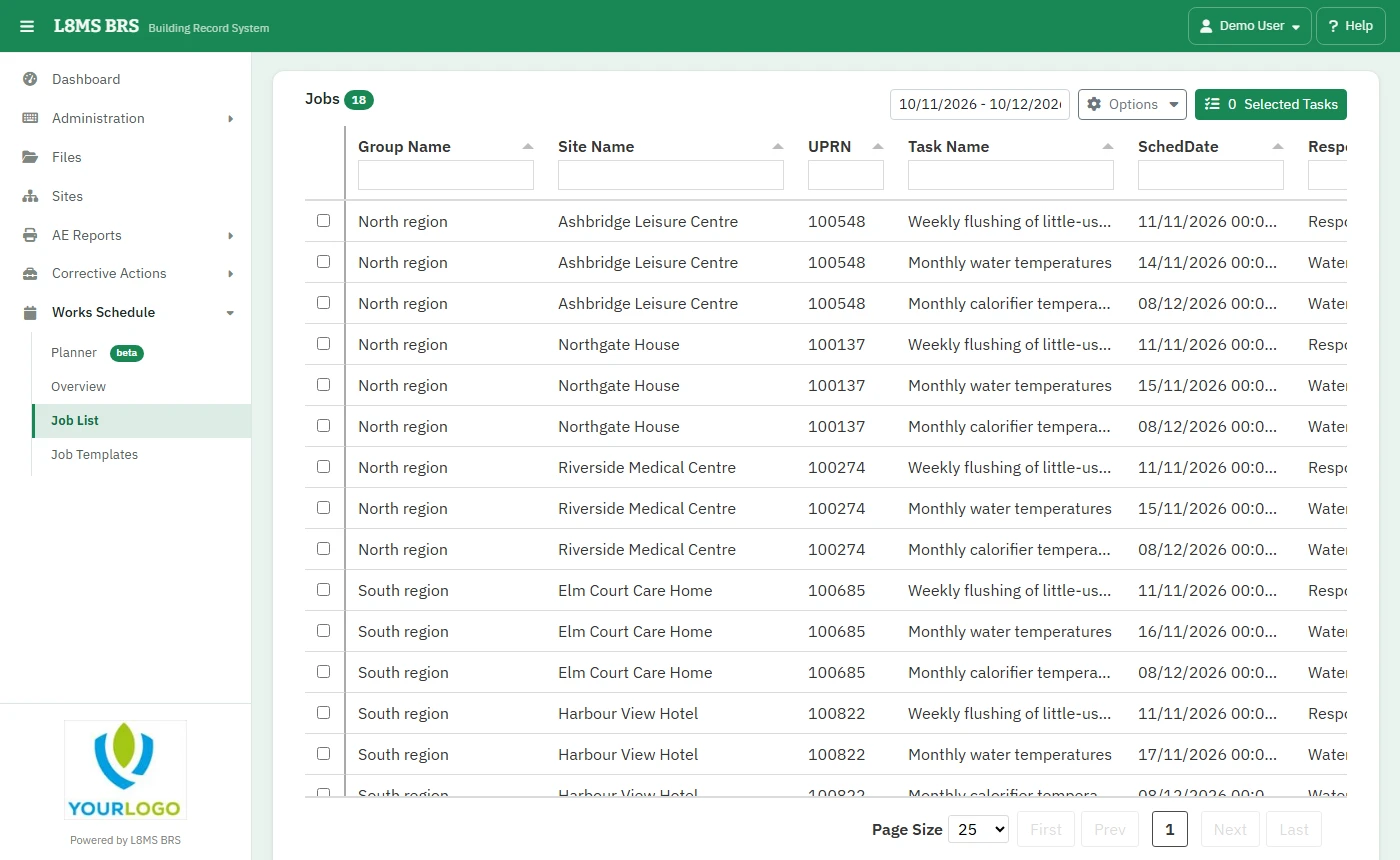 The Job List.
Find the work
Use Options: Show Outstanding (not yet on a visit) or Show Sent, Show / Hide Daily / Weekly Task, Select All / Select None and Export List.
Create a visit
Tick the jobs to go on one visit (same site) and click Selected Tasks.
Planned Visit — the Visit Type, Start, Finish and any Instructions.
Engineers — choose who is going.
Create — save it. The service visit is made and goes to the engineer’s app.