By L8MS Team · Updated 10 Nov 2026
AE Reports › Interrogation answers specific questions with ready-made queries, grouped by category.
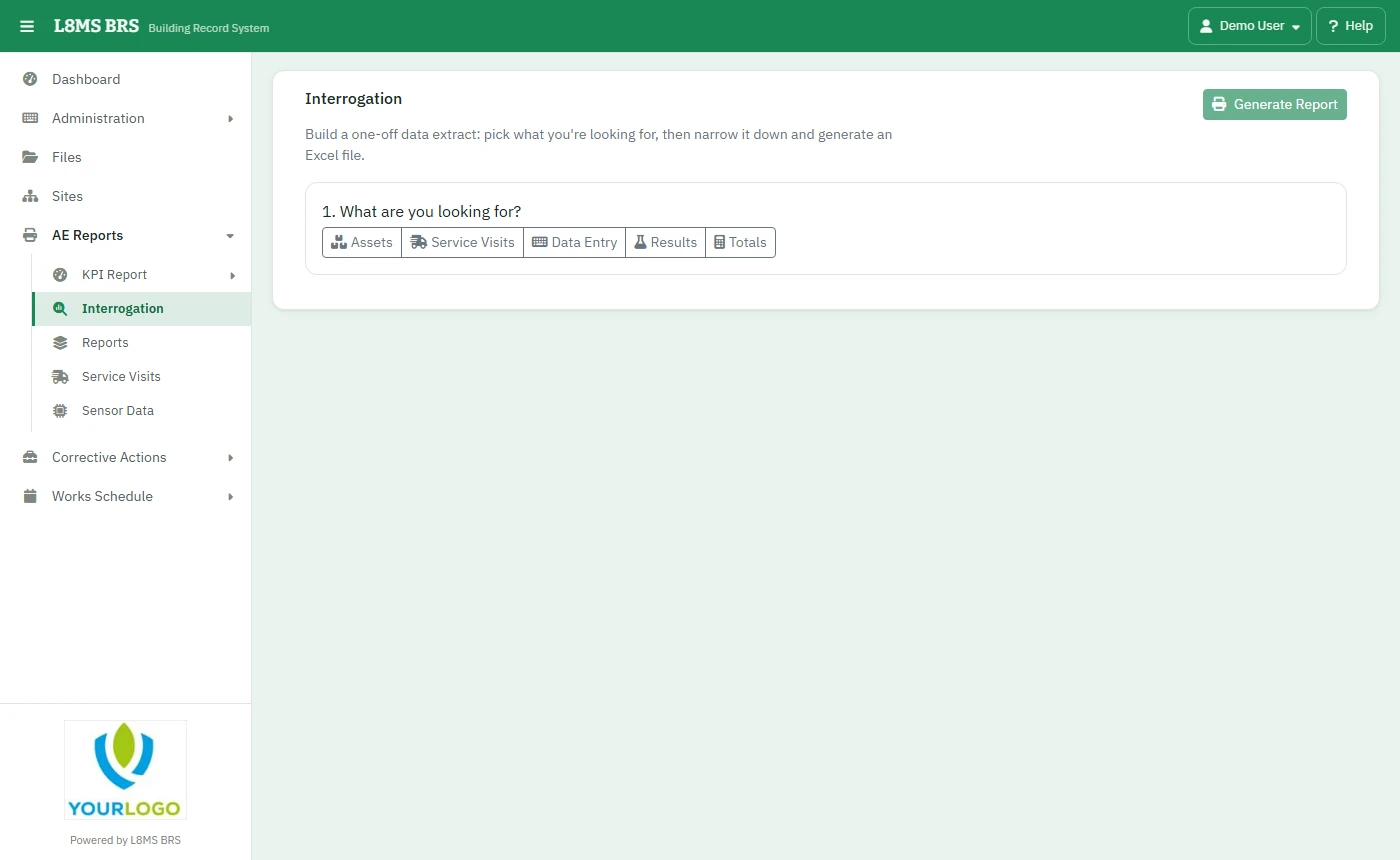 Interrogation.
The queries
- Assets — all, active or retired assets matching a name.
- Service Visits — visits due; missed tests; visits not yet uploaded; visits uploaded.
- Data Entry — tests entered per user; scheduled task progress; recurring comments.
- Results — results for one test; results with a specific comment.
- Totals — Completed vs missed checks and Totals pack.
Steps
Pick the category and the query.
Fill in the filters it asks for — Company Name, Group Name, Site Name, Task Name, Responsibility, Date Range, and an asset name, month, comment or test where relevant.
Click Generate Report. The result downloads as a spreadsheet.
Completed vs missed checks
A compliance check for a task over the date range: for each asset, how many checks were Scheduled, Completed, Missed, No Access and Not Needed, and % Completed (completed out of completed + no access + missed). Assets with nothing scheduled are left out.
Totals pack
Runs several Completed vs missed checks reports in one workbook — an overview plus a sheet each. Choose the Pack and the dates. Packs are set up by an administrator — see Report templates and totals packs.
Both Totals queries can be scheduled with Schedule….