By L8MS Team · Updated 10 Nov 2026
Administration › Alterations › Highs & Lows changes the limits a reading must sit between to conform, across many assets and sites at once.
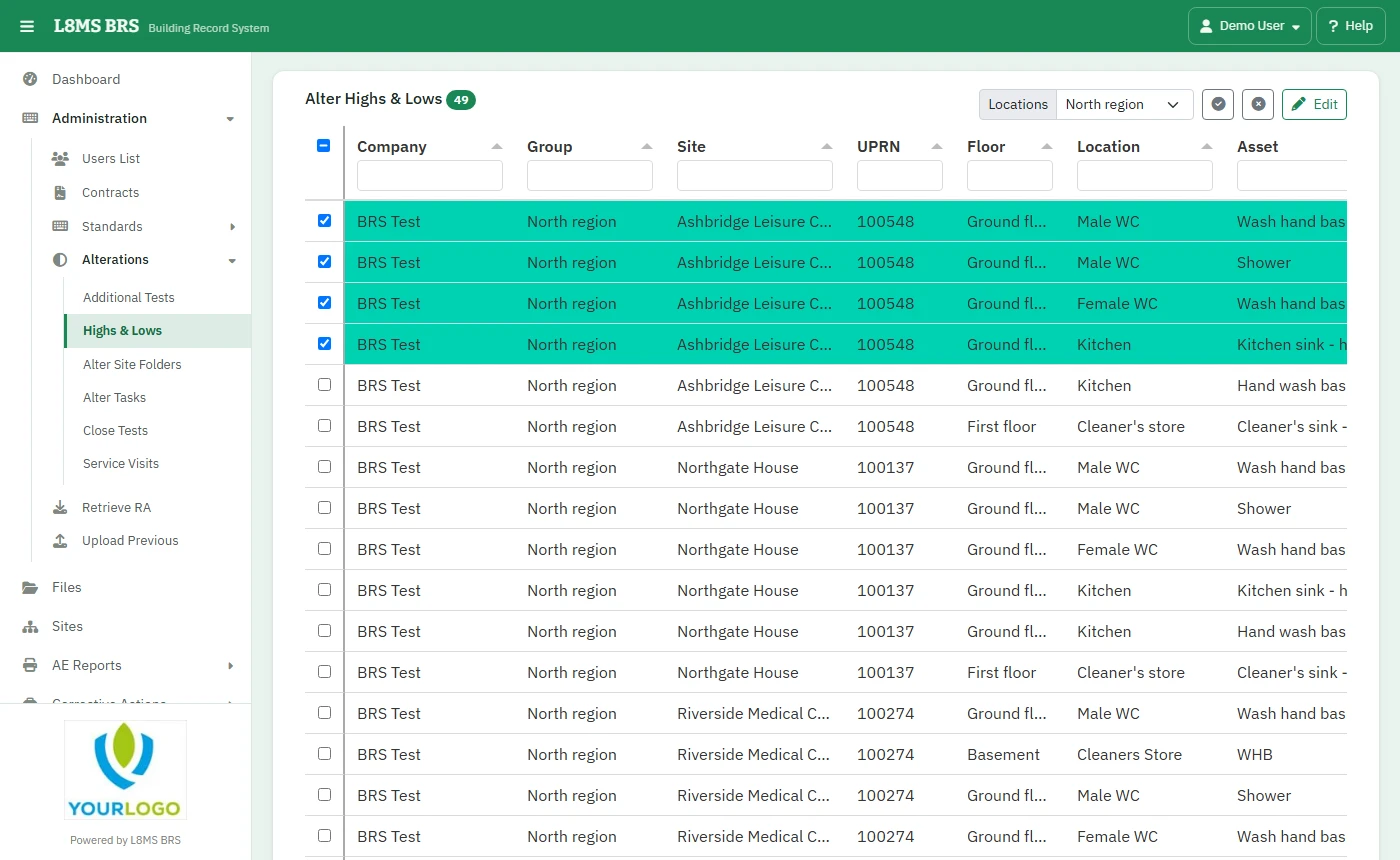 Highs & Lows.
Steps
Filter the list — one row per test on each asset — by company, group, site, floor, location, asset, PPM or test. In the Low and High columns you can filter by value: 50, >50, <=20, 20-60, or blank.
Tick the rows and click Edit.
Enter the New Low Limit and/or New High Limit, and the Low Result Risks and High Result Risks (risk 1 to 4 bands) if you want them changed. Save.
Change limits deliberatelyNew limits apply to readings from now on. Keep a note of why a limit changed. For one asset use its Tests page; for future sites change the PPM.