By L8MS Team · Updated 10 Nov 2026
A site group sits between a company and its sites — a region, a client contract or a portfolio. Groups filter the site list, the dashboard and nearly every report.
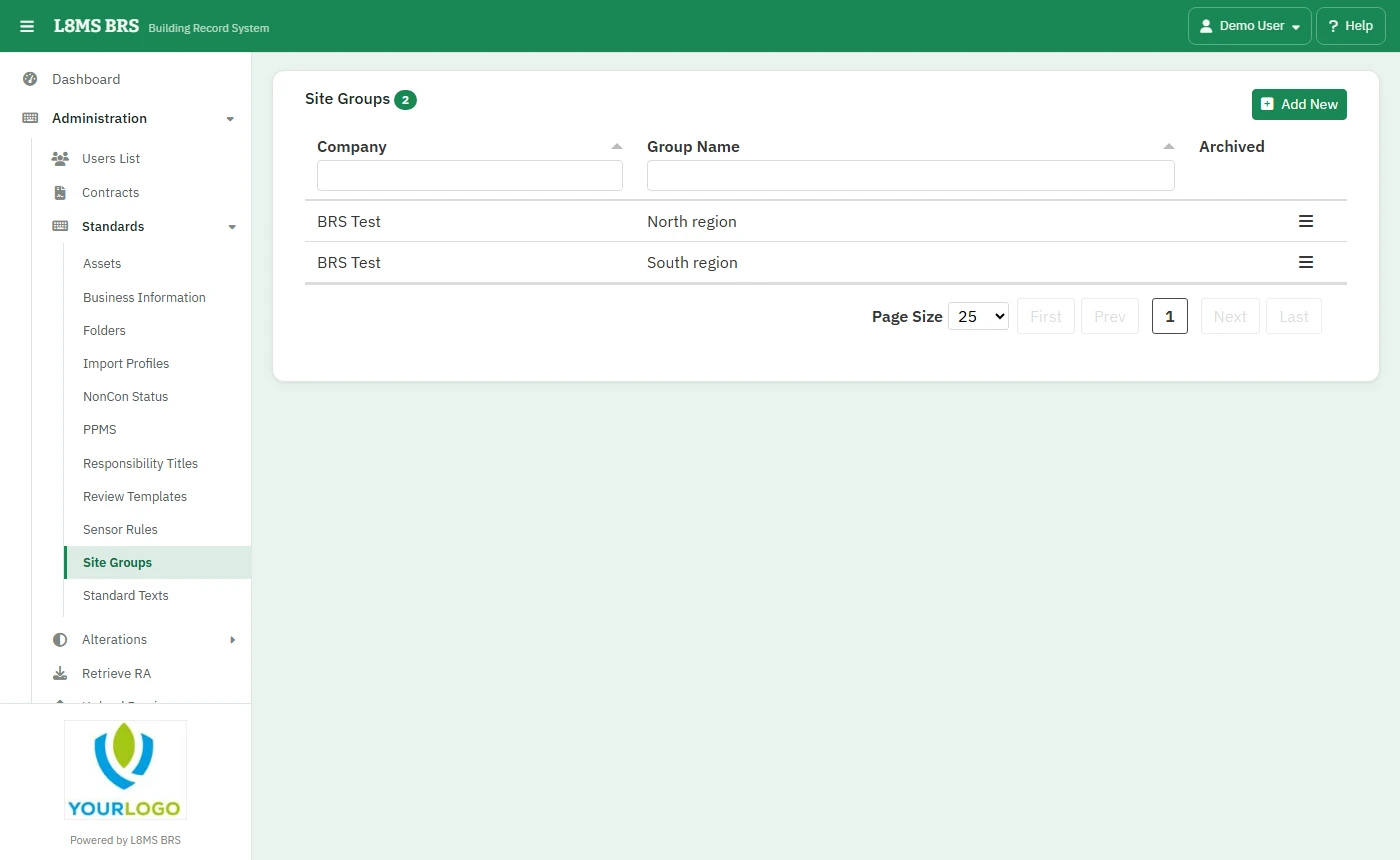 Site groups.
Steps
Open Administration › Standards › Site Groups.
Click Add New, choose the Company Name, type the Site Group name and click Add.
Click a group to edit it: rename it, or tick Is Archived for a group you no longer use, then Update.
Delete only works for a group with no sites — move its sites to another group first on each site’s edit page.
Adding a group on the flyYou can also add a group from the Add / Edit Site page with the + next to Site Group.