By L8MS Team · Updated 10 Nov 2026
Data Export (a card on the Reports hub) gives you the raw numbers to analyse yourself.
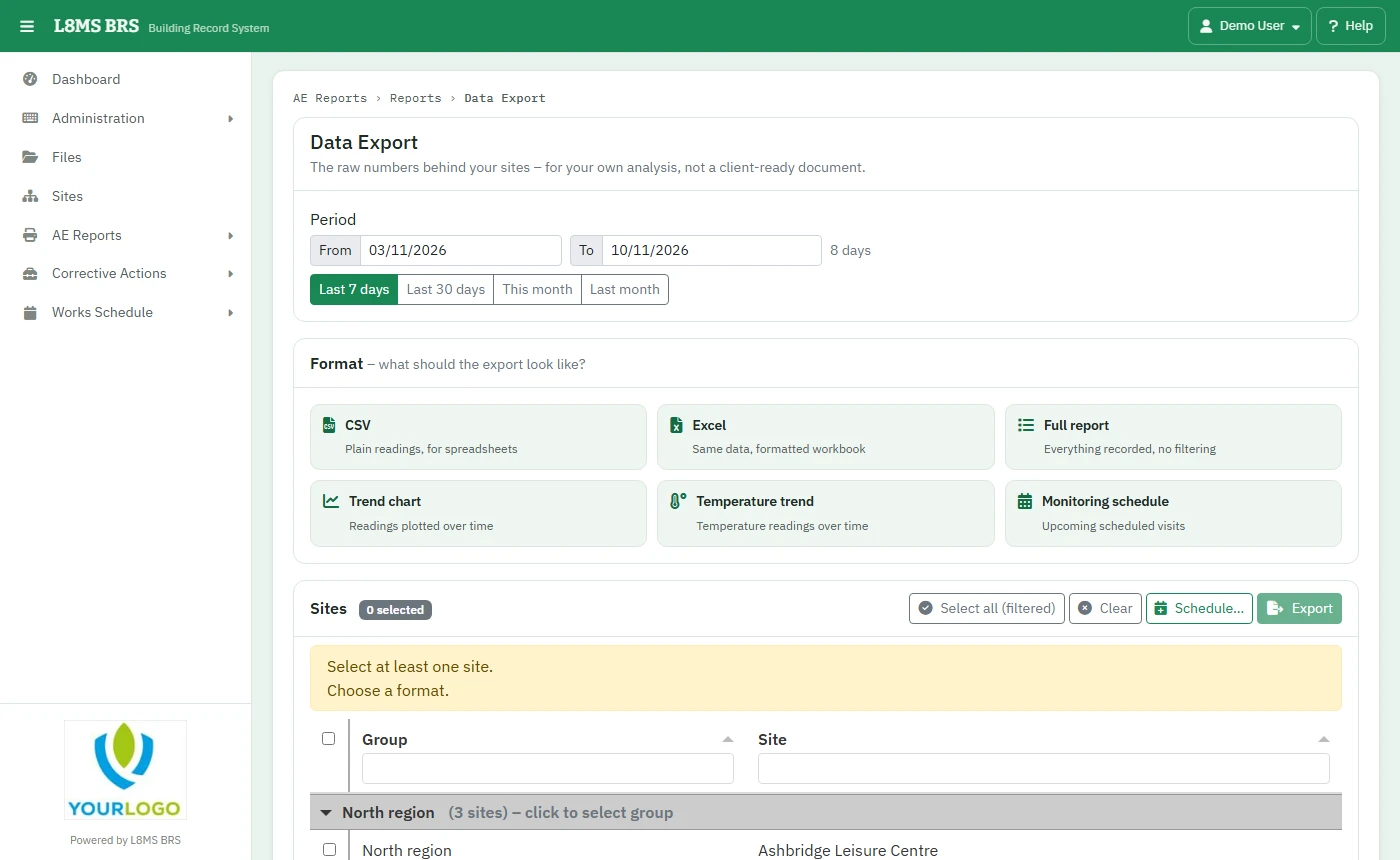 Data Export.
Steps
Set the Period (Last 7 days, Last 30 days, This month, Last month, or your own dates).
-
Pick a Format:
- CSV — plain readings, for spreadsheets.
- Excel — the same data in a formatted workbook.
- Full report — everything recorded, no filtering.
- Trend chart — readings plotted over time.
- Temperature trend — temperature readings over time.
- Monitoring schedule — the upcoming scheduled visits.
Tick the Sites and click Export.
Schedule… emails the same export for the same sites regularly — see Scheduled reports.