By L8MS Team · Updated 5 Nov 2026
System ID (Site Systems in the header) is the list of water systems on the site — for example the mains cold water supply, a stored hot water system, a chilled circuit. Set these up first: surveys and assets are linked back to them.
Add a system
Open System ID from the assessment sidebar (under Data) and click Add System.
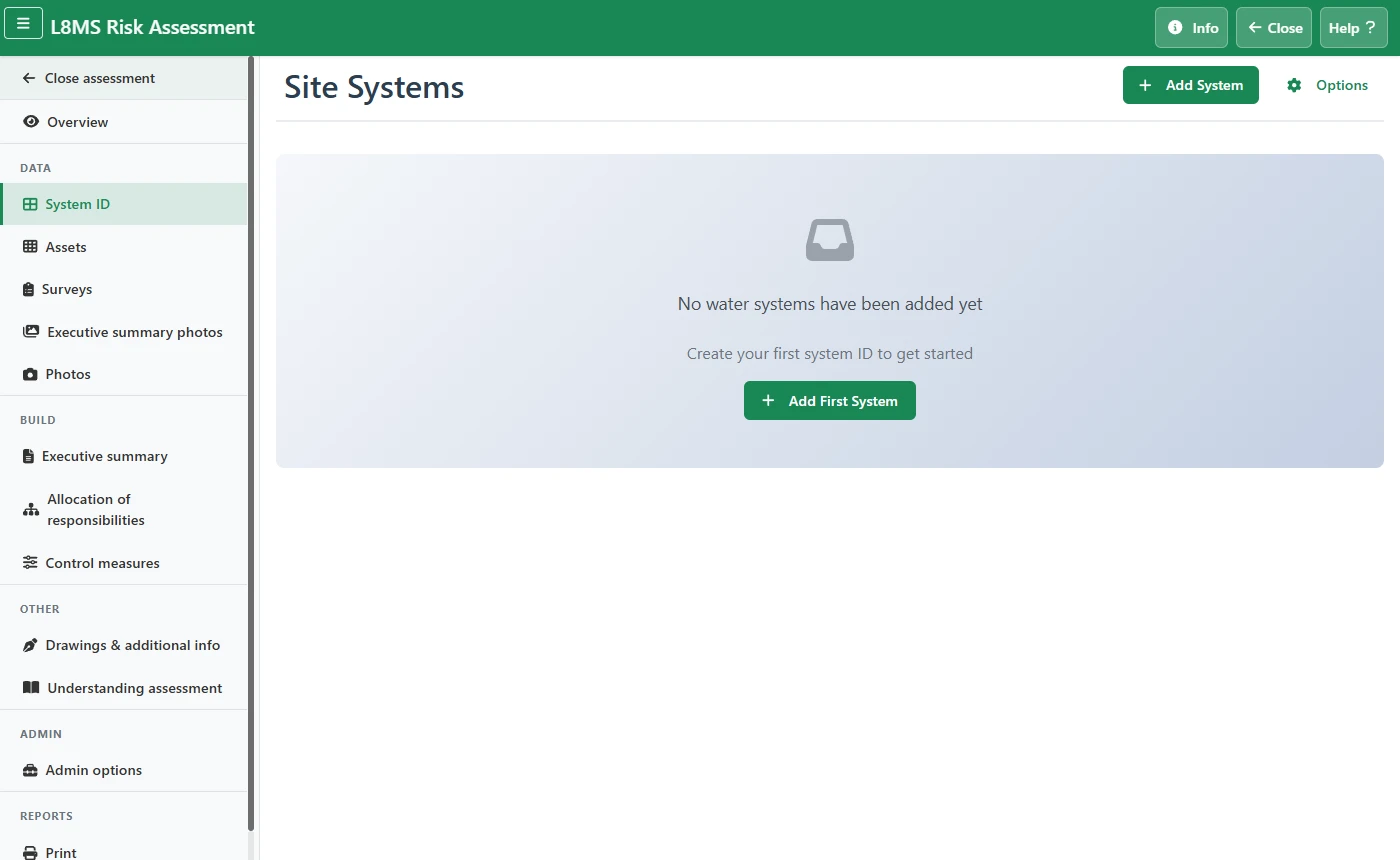 The Site Systems page.
-
Fill in the three required fields:
- System No. — your reference number for the system.
- System Ref — the short code (MCWS, CWS, HWS, H&CWDS, LTHW, Chilled…).
- System Type — the plain description (Direct mains fed water, Hot water service (stored), Heating / closed system…).
Type the System Ref and System Type in your own words, or click the list button beside each box to choose one of your company’s standard entries. If none appear, ask an administrator to add them under Systems.
Optionally add Systems Served and Comments. Load Standard next to each box drops in saved wording. (Location and access are captured on the surveys, not here.)
Click Save to return to the list.
Edit, delete, import
Click a system card to edit it; use the bin icon on the card to delete one.
Options lets you download a blank template, download the current systems, upload a completed spreadsheet, or Clear All. See Importing and exporting data with spreadsheets.