By L8MS Team · Updated 10 Nov 2026
Administration › Alterations › Additional Tests adds or removes tests on many sites at once — for example when a standard changes and every site needs an extra check.
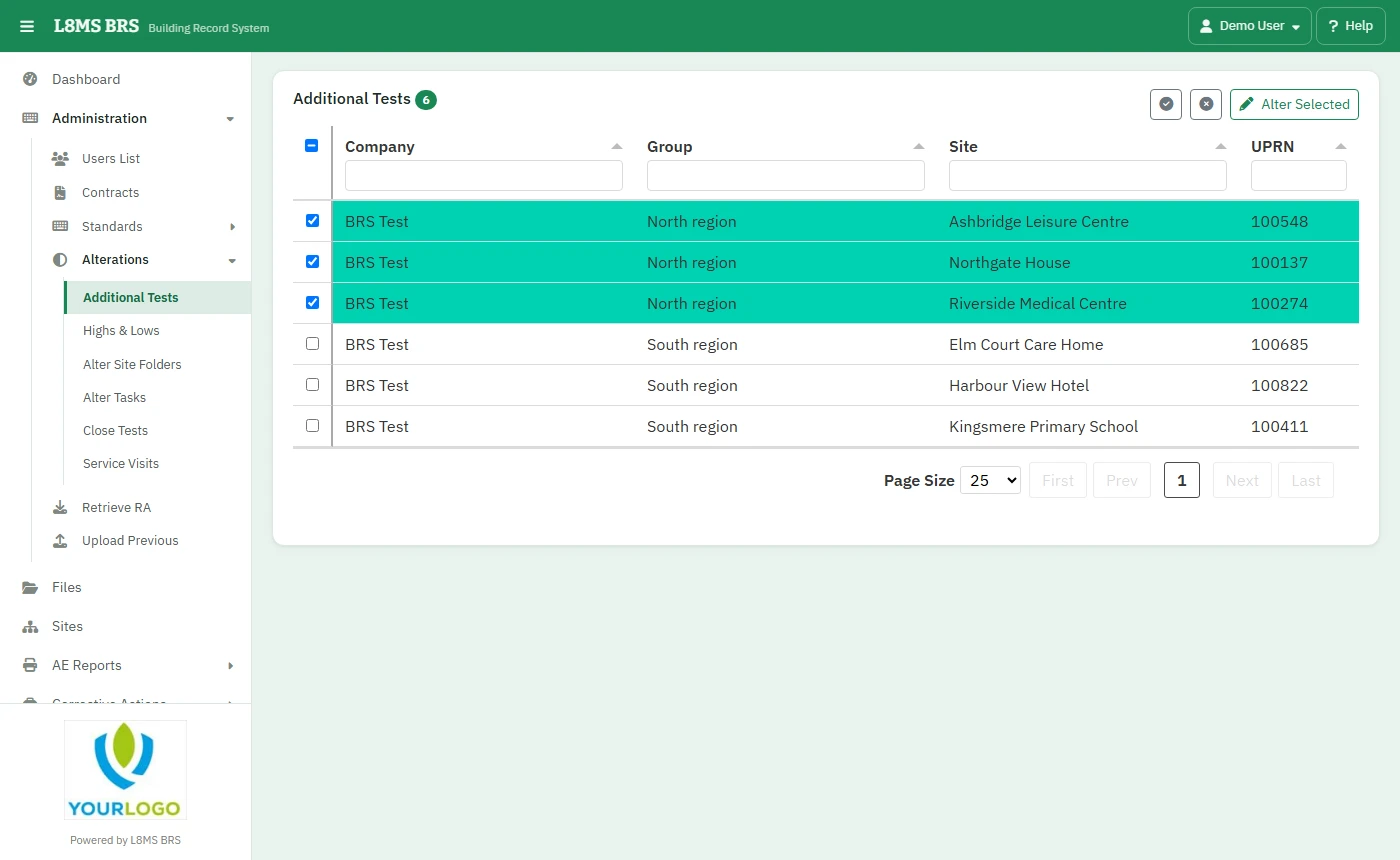 Additional Tests.
Steps
Filter the site list by company, group, site or UPRN and tick the sites. Click Alter Selected.
In Add / Remove Tests, narrow which assets are affected: Task Name, Location Name, Asset Name, Has System and Status (active, retired or all).
To add a whole PPM’s tests, choose the PPM Type and PPM Name and click Apply Task.
To add or remove one test, choose the Test Name and click Apply Test or Remove Test.
This changes live sitesRemoving a test stops it being checked on every matching asset. Check the filters before you apply. For one asset, use its Tests page instead.