By L8MS Team · Updated 10 Nov 2026
Administration › Standards › NonCon Status is the list of statuses a nonconformity or remedial action moves through — for example Reported to client, Works ordered, Completed.
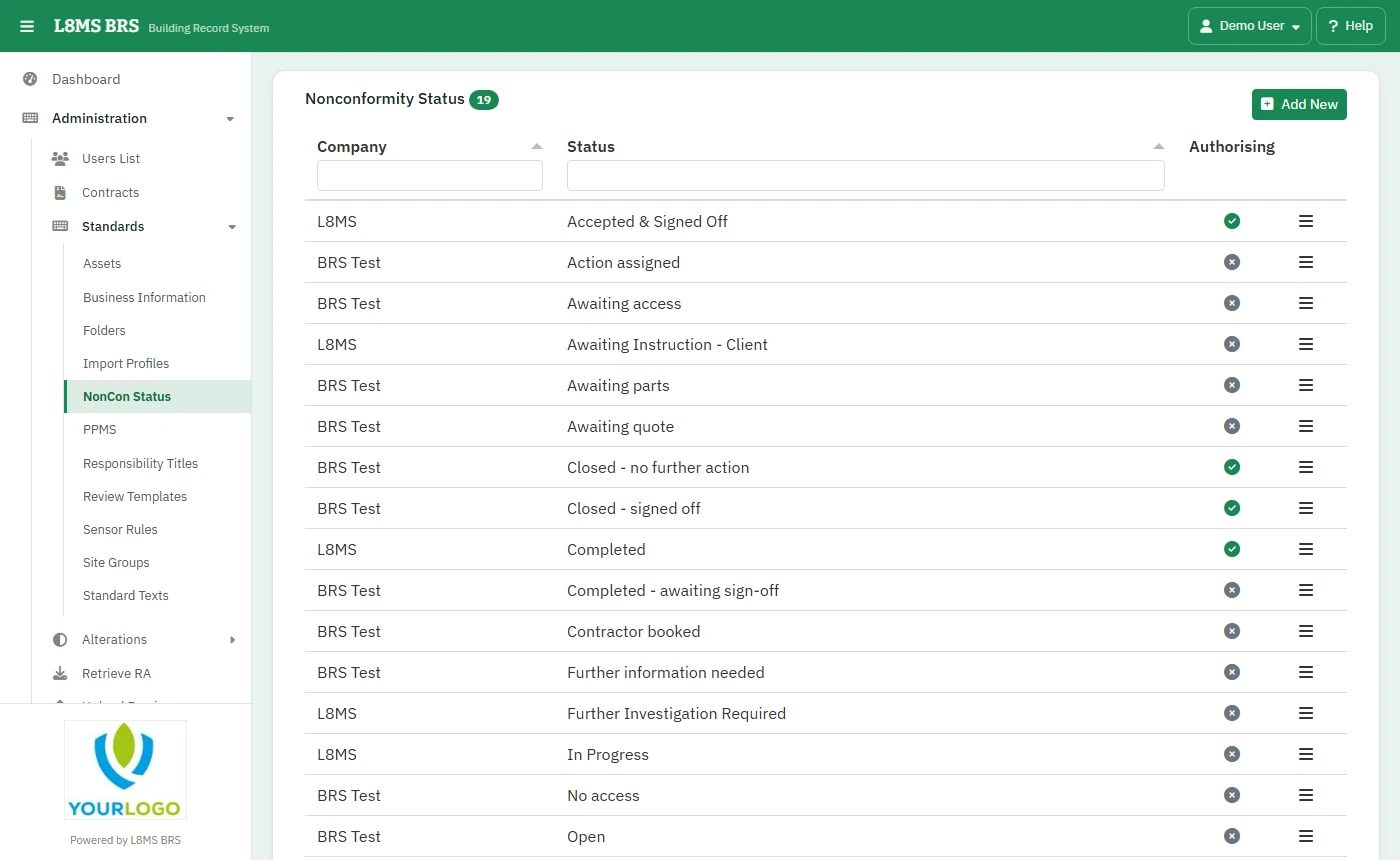 Nonconformity statuses.
Steps
Click Add New, choose the Company Name, type the Status and Save.
Click a status to rename it (Update) or delete it.
Closing statusesSome statuses sign an item off and close it. Choosing one needs the sign-off permission on that site. Keep the list short and clear — it feeds the KPI nonconformities report.