By L8MS Team · Updated 10 Nov 2026
Every BRS page has a Help button in the top bar. It opens the guide for the page you are on, in a new tab, so you do not lose your place.
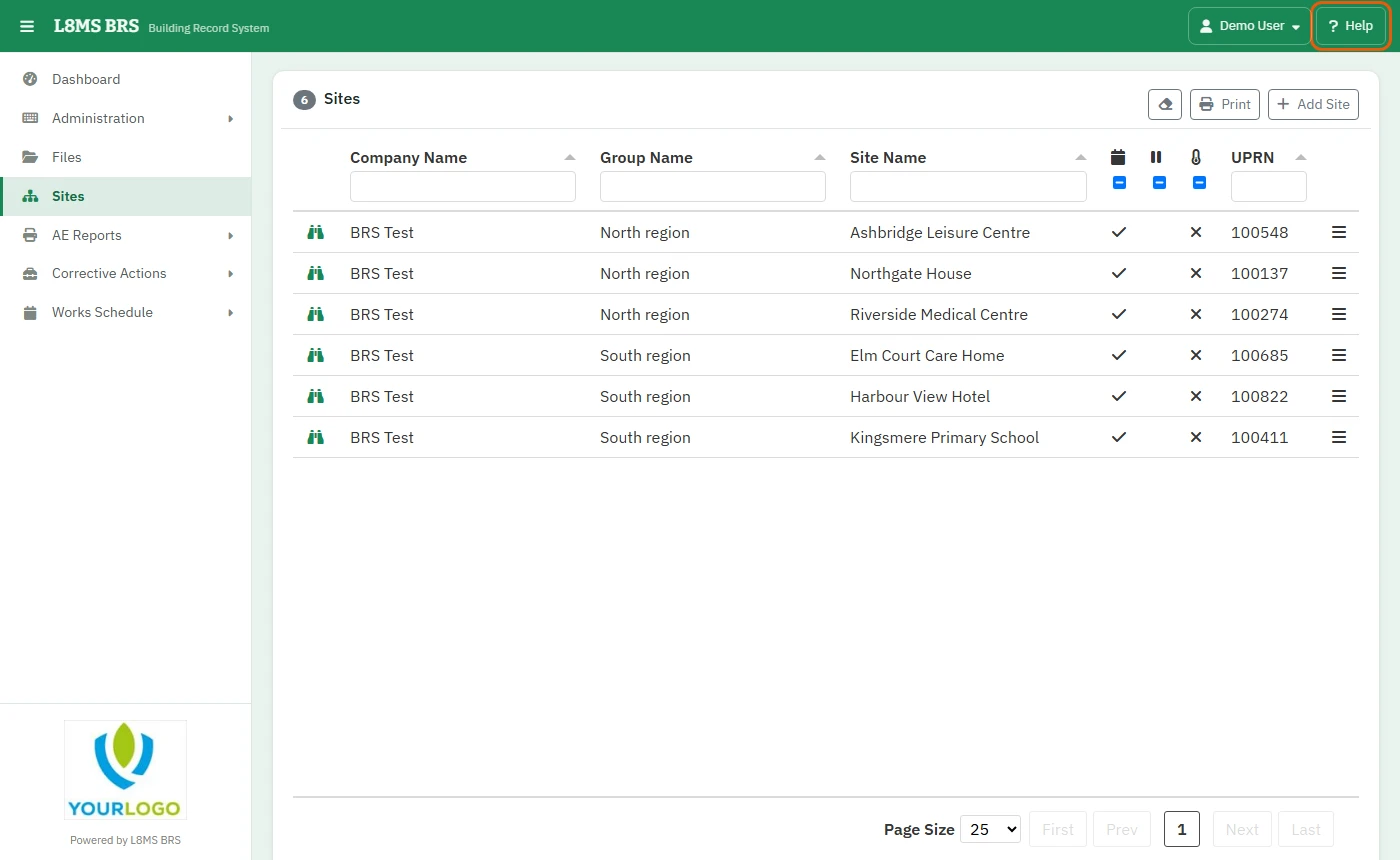 The Help button.
- If a page does not have its own guide yet, Help opens the full list of Record Keeping guides instead.
- The guide list also has a search box and a set of frequently asked questions.
Report a problem
Choose Report a bug from the menu under your name.
-
Fill in Your Name, Contact No., Email Address and a Description: what you were doing, what you expected, what happened, and the web address of the page if you have it.
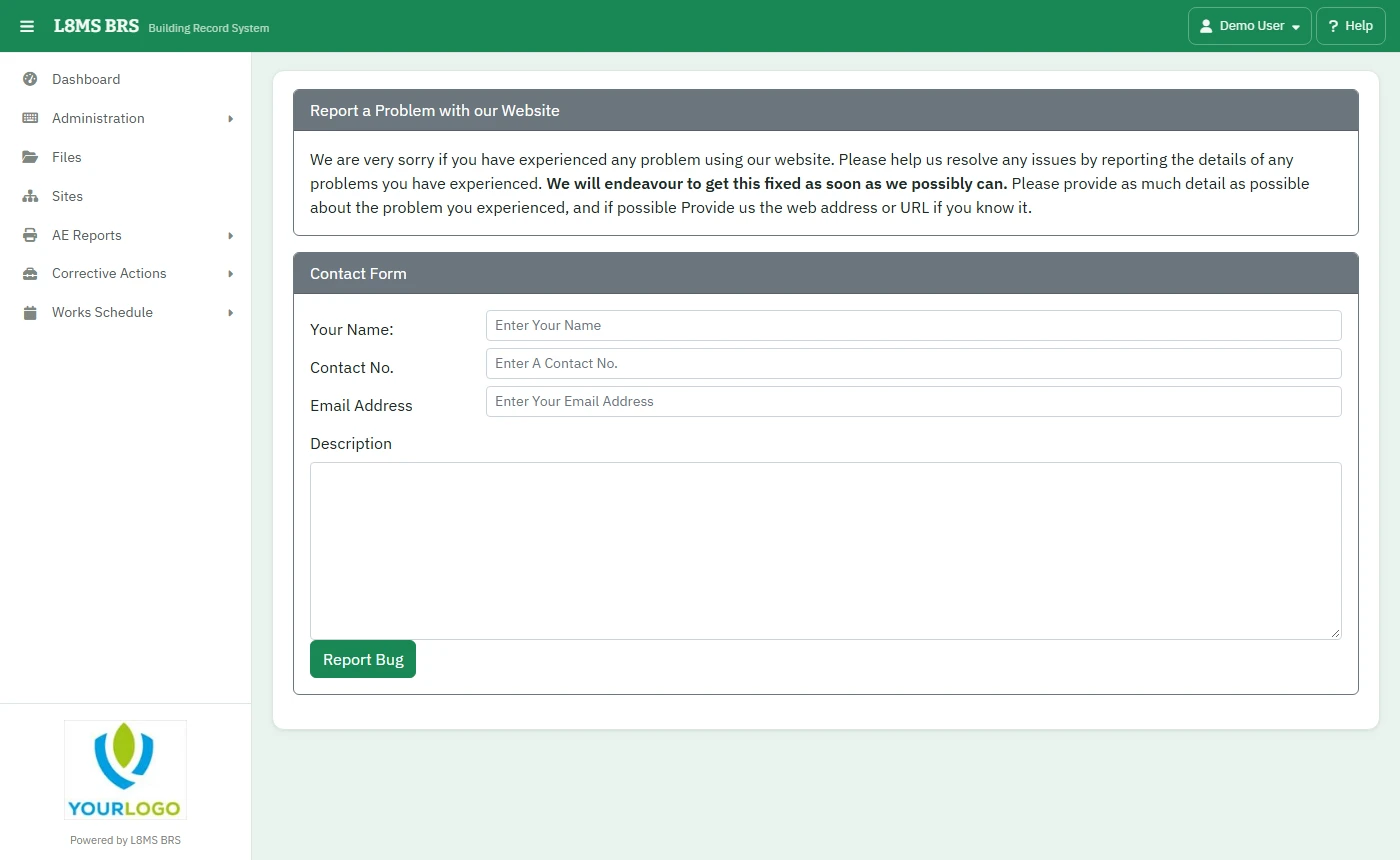 Reporting a problem.
Click Report Bug. It goes straight to the L8MS team.