By L8MS Team · Updated 5 Nov 2026
Surveys / Types of Assessment (Administration › Customisations) lists the survey templates available on your account.
Steps
Filter the cards by name. Click a card for its options.
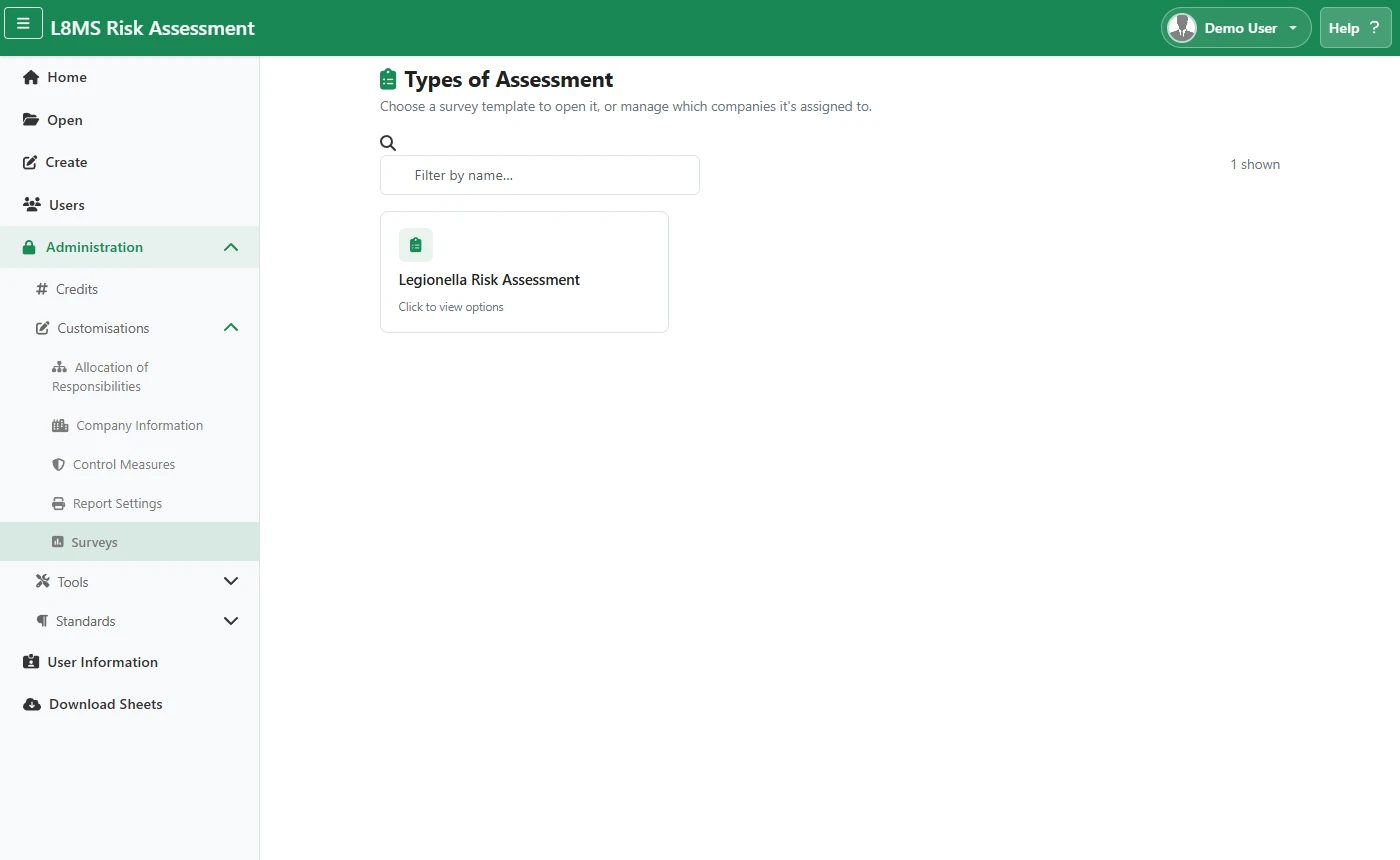 Types of Assessment.
Open takes you into the survey’s question set. Companies lets you choose which companies that survey type is assigned to.
Per-company answers and recommendationsTo change the standard answers or recommendations a survey offers for one company, go to Survey Downloads, open a survey’s View Questions, and edit its answers / recommendations there.