By L8MS Team · Updated 5 Nov 2026
The Client Information, Site Information and Assessor Information pages (Administration › Standards) hold reusable records. These are what appear in the Recent Clients / Sites / Assessors pickers in the Create wizard.
Steps (the three pages work the same way)
Open the page from the menu. The table lists every saved record, with per-column filters.
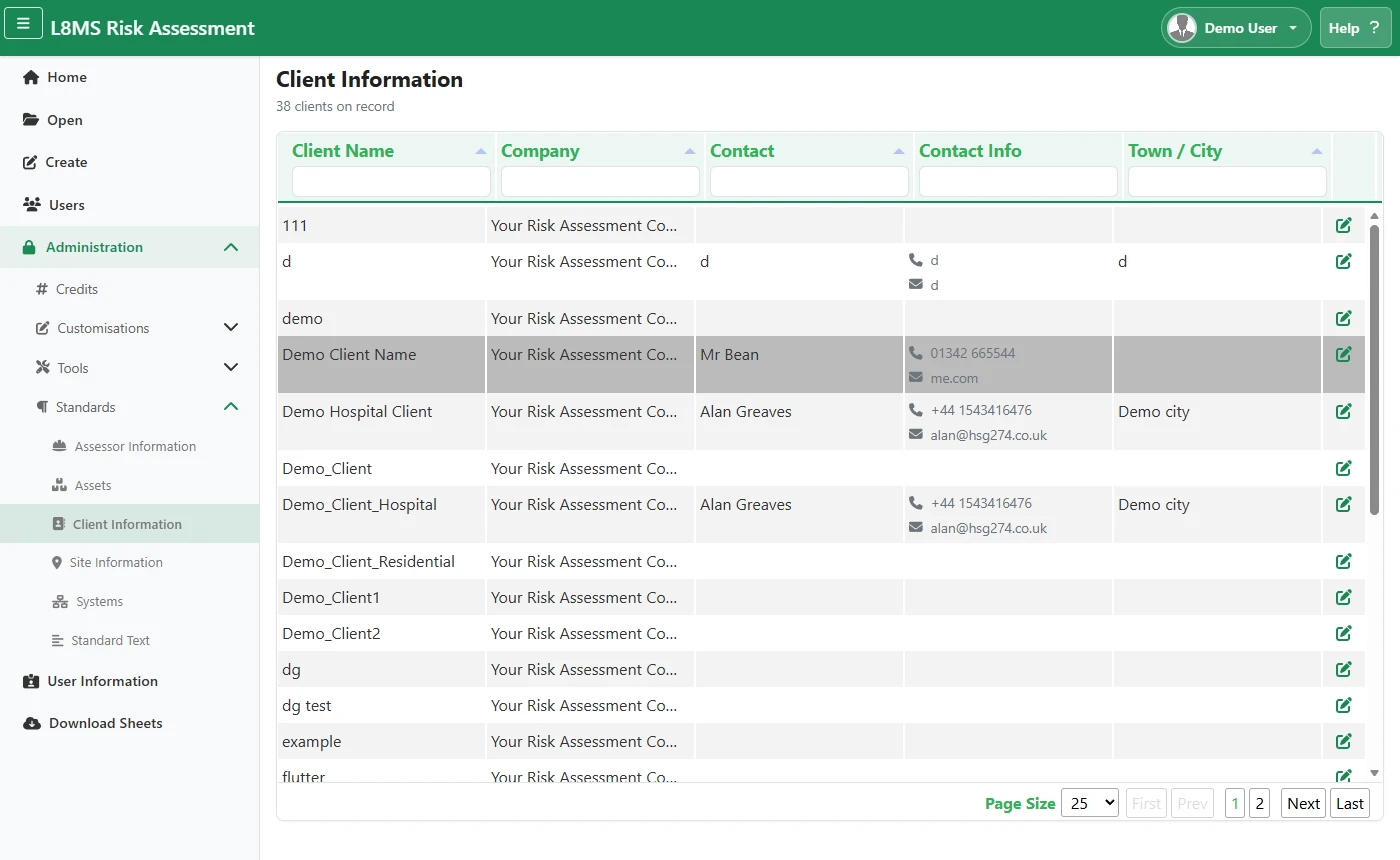 Client Information.
Click the edit icon on a row to change a record, or the add button to create one. Choose the Company it belongs to and fill in the name, address and contact details.
Click Save.
Records also build up as you workEvery time you create an assessment with a new client, site or assessor, a record is added here automatically. Use these pages to tidy or correct them.