By L8MS Team · Updated 10 Nov 2026
Administration › Standards › Assets opens Standard assets: the asset types that import profiles use to decide which tests an asset gets — Wash hand basin, Calorifier, TMV and so on, grouped in sections.
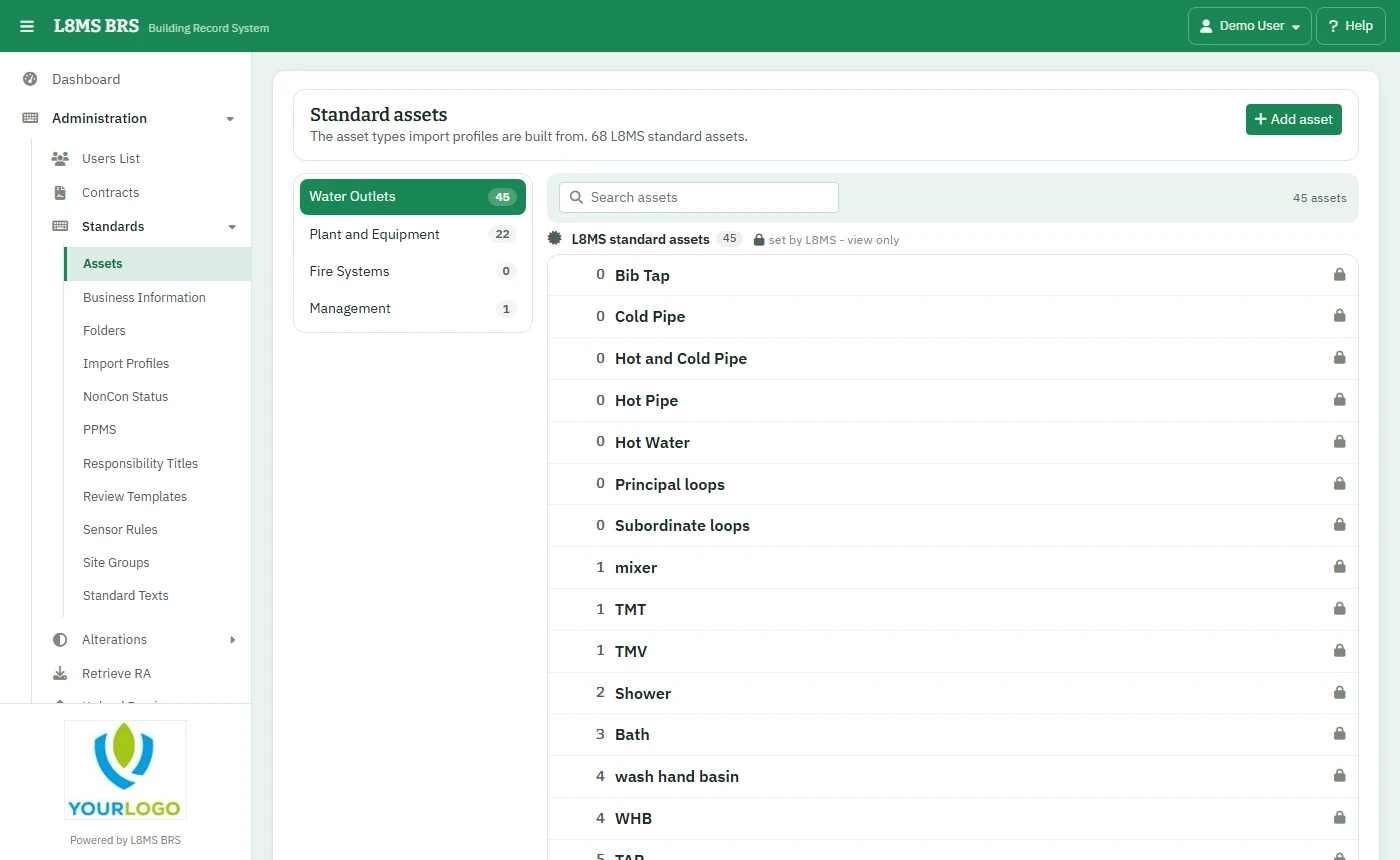 Standard assets.
Steps
Pick a section and search for the asset.
Click Add asset: the Asset name, which company it Belongs to, the Section and Discipline, and an Order no. (or drag it in the list). Click Save.
Click one of your company’s assets to rename or delete it.
L8MS standardsAsset types owned by L8MS are shared with every company and are view only. A name can’t repeat a standard one. An asset type can’t be deleted while an import profile uses it.