By L8MS Team · Updated 5 Nov 2026
Executive summary photos are a small, separate set of images used in the executive summary section of the report — typically a site photo or two, not the full survey photo set.
Steps
Open Executive summary photos from the assessment sidebar (under Data).
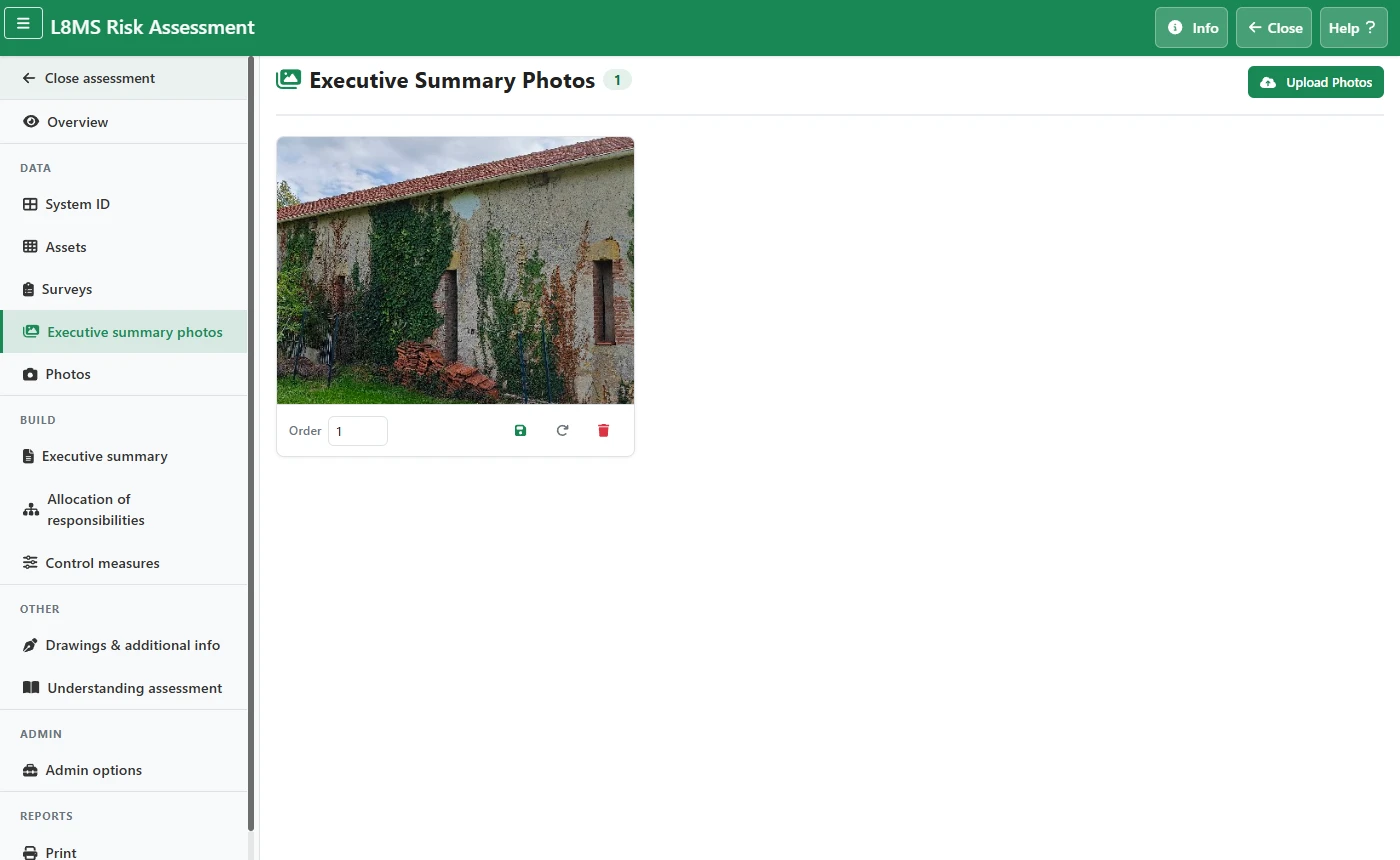 Executive summary photos.
Click Upload Photos and add JPG, JPEG, PNG or GIF files (not HEIC). They are resized automatically.
On each card, set the Order number and click the save icon. Use the rotate icon if a photo is the wrong way up, and the bin icon to delete one.