By L8MS Team · Updated 5 Nov 2026
The Allocation of responsibilities page has two tabs: Key individuals (the people responsible for the site) and Allocation of responsibilities (each task, who does it, how often).
Key individuals
On the Key individuals tab, click Add key individual and enter their Function / Role (e.g. Duty Holder, Responsible Person), Name, Company, Phone and Email.
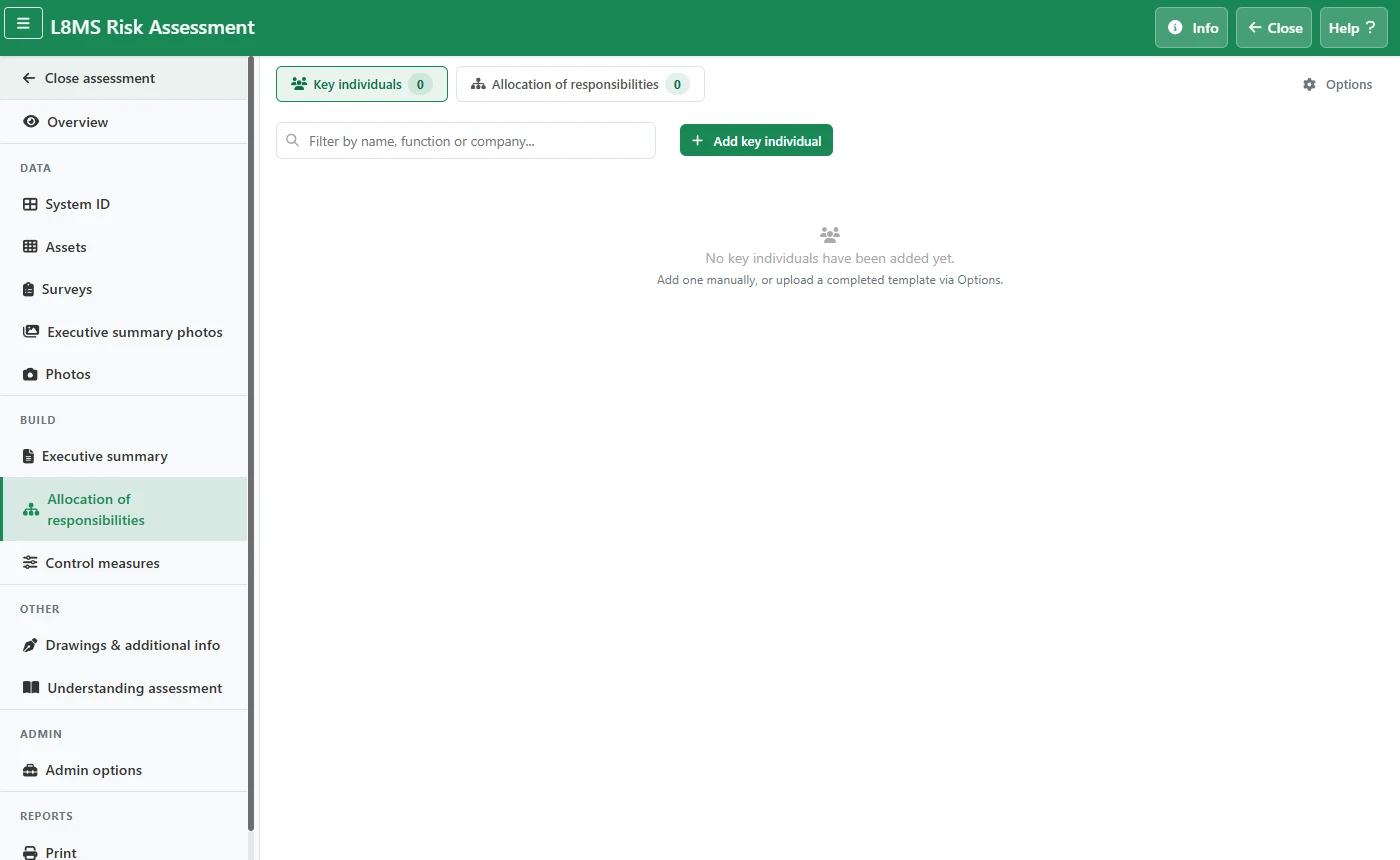 Key individuals.
Use the edit and delete buttons on each card to change or remove a person. Filter with the search box.
Allocate responsibilities
Switch to the Allocation of responsibilities tab. Each row is a responsibility, grouped by section.
Click the Allocated to cell to type who is responsible, and Frequency to set how often. A yellow #define# flag means a frequency still needs filling in.
To set several rows at once, tick them and use the bulk assign bar at the top.
Build or import the list
Options › Build allocation from AOR adds the sections, tasks and key individuals from a saved Allocation of Responsibilities template (set up under Company setup).
Or download the blank template, fill it in, and upload it. Clear allocation list removes every row — permanent.