By L8MS Team · Updated 5 Nov 2026
Admin options (in the assessment sidebar, under Admin — administrators only) is where you act on the assessment as a whole.
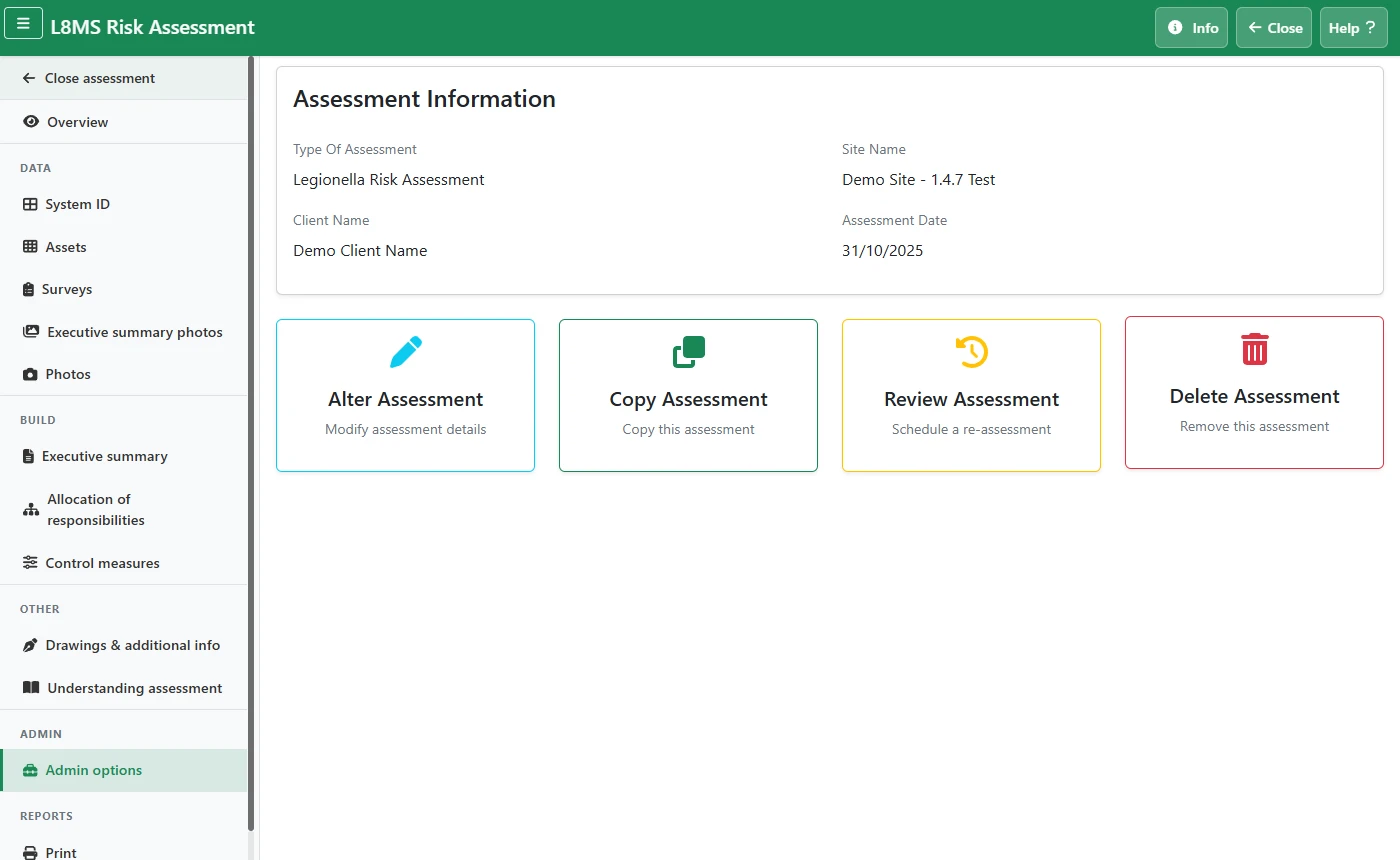 Admin options.
The options
- Alter Assessment — change the client name, site name or assessment date.
- Copy Assessment — make a full copy under a new client / site / date. Uses a copy credit; the page shows how many you have.
- Review Assessment — create a re-assessment for a future date, optionally copying the photos across. Uses a review credit. The new assessment opens ready to work on.
- Delete Assessment — permanently removes it. You are asked to confirm.
- Transfer Assessment — shown only when transfer is available; hands the assessment to another company on your account.
Copy, review and delete cannot be undoneDeleting removes the assessment and its data for good. Copy and Review each consume a credit as soon as they succeed.