By L8MS Team · Updated 5 Nov 2026
Once two-factor authentication is set up, every sign-in has an extra step after your password.
Steps
Sign in with your email address and password as usual. The Two-Factor Authentication screen then appears.
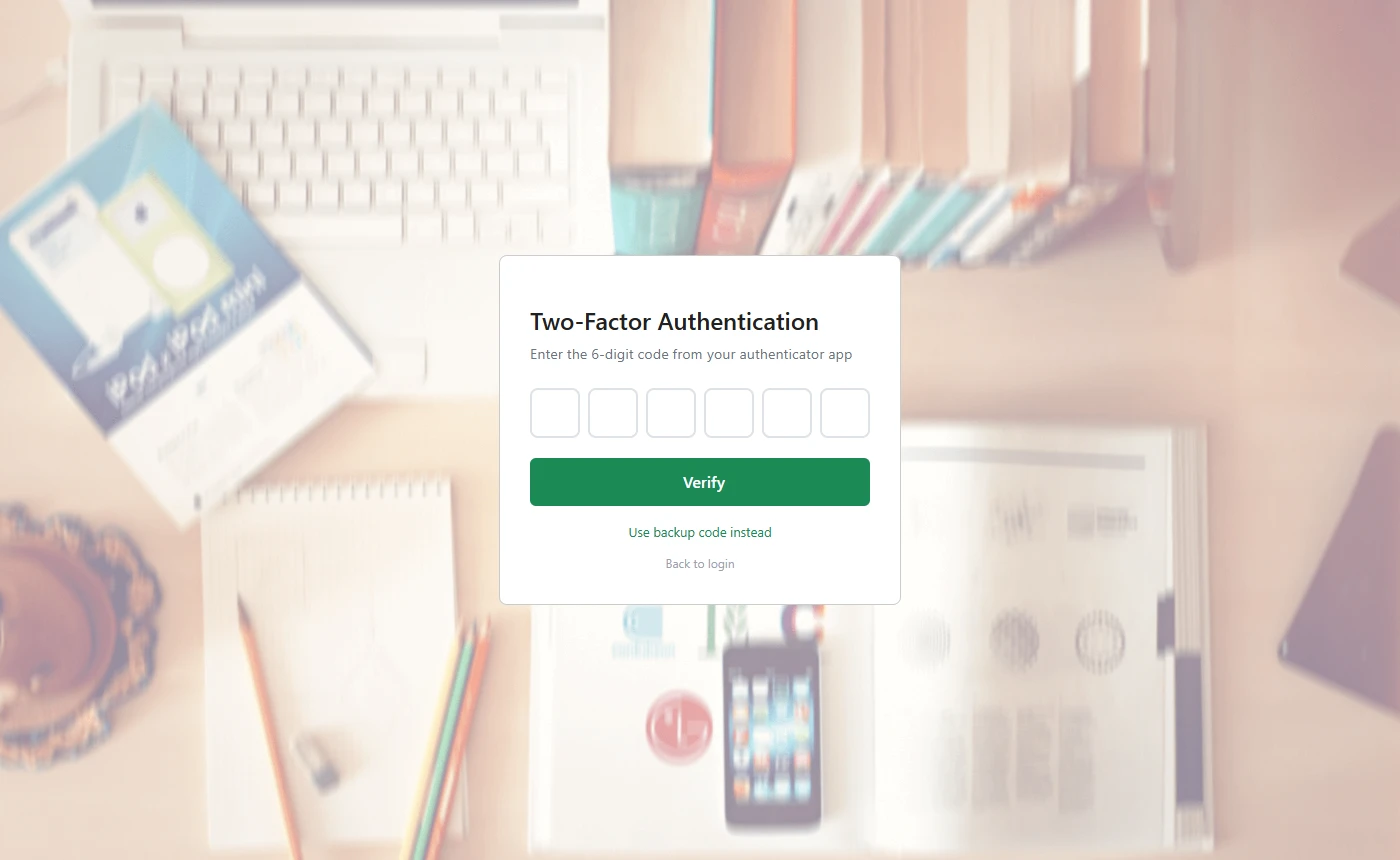 The two-factor screen.
Open your authenticator app, read the current 6-digit code for L8MS, and type it into the six boxes. Click Verify (it also submits automatically once all six digits are in).
-
Don’t have your phone? Click Use backup code instead, type one of the backup codes you saved when you set MFA up, and click Verify Backup Code. Each backup code works only once.
Too many wrong codesSeveral incorrect codes in a row sends you back to the sign-in page. Wait for a fresh code in your app and start again. If you have lost both your phone and your backup codes, contact your administrator.