By L8MS Team · Updated 5 Nov 2026
Standard Text (Administration › Standards) holds the longer, reusable blocks of wording an assessor drops into an assessment with the Load Standard / Load Template buttons — scope of works, comments, competence statements, executive summary sections, and more.
Steps
Choose the Company and the Section at the top. The cards below show the standard text that already exists for that combination.
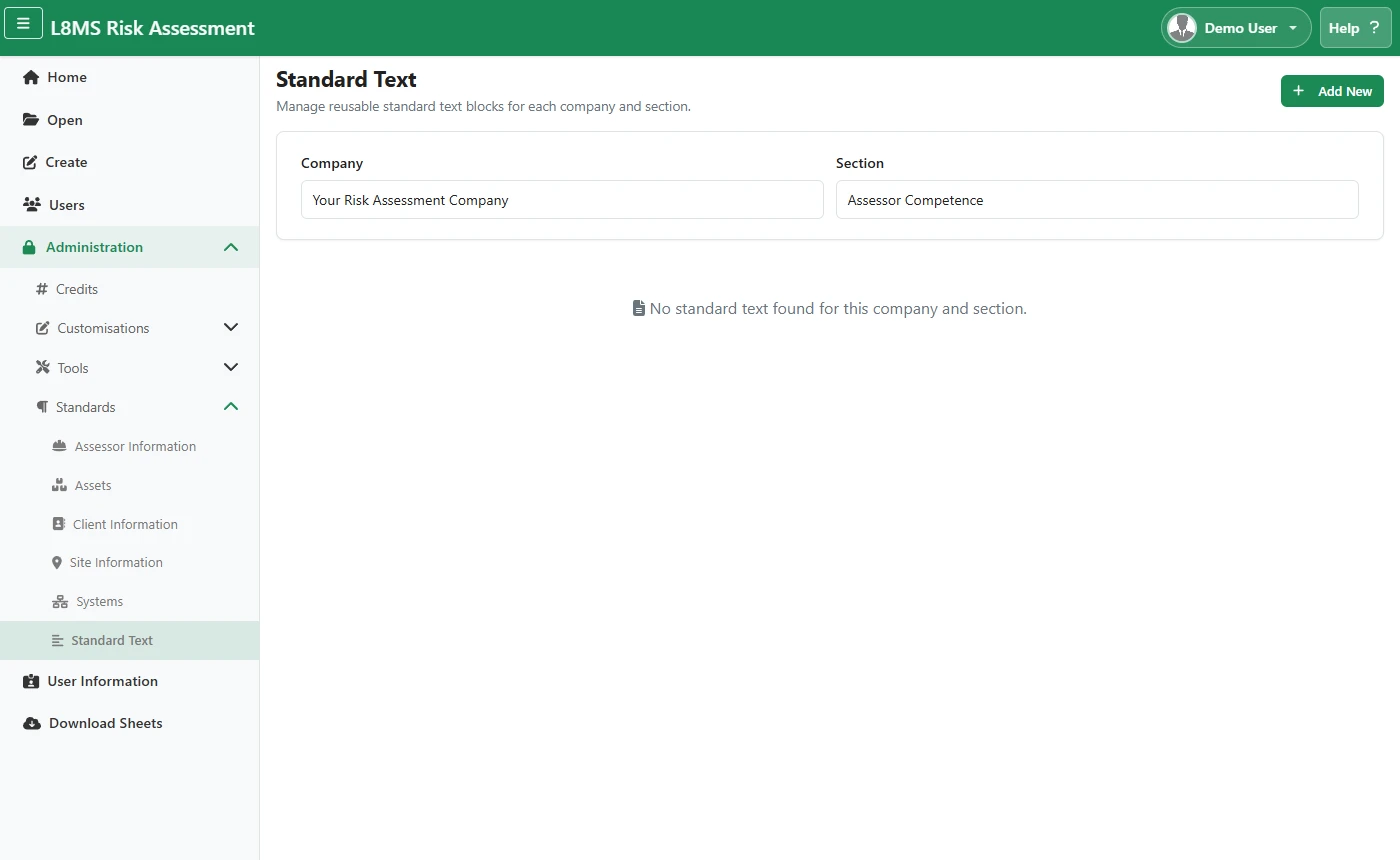 Standard Text.
Click the add button to open Add Standard Text. Optionally choose one under Copy from library to start from existing L8MS standard text, give it a Title, then write the Description in the editor and click Save.
Use Edit / Delete on a card to change or remove a block.
Title mattersThe Title is what the assessor sees in the pick-list, so make it descriptive — “Standard scope — commercial Legionella” rather than “Scope 1”.