By L8MS Team · Updated 5 Nov 2026
Interrogation (Administration › Tools) searches across every assessment for a company and exports what it finds.
Steps
Choose a Company (and optionally narrow to one Client).
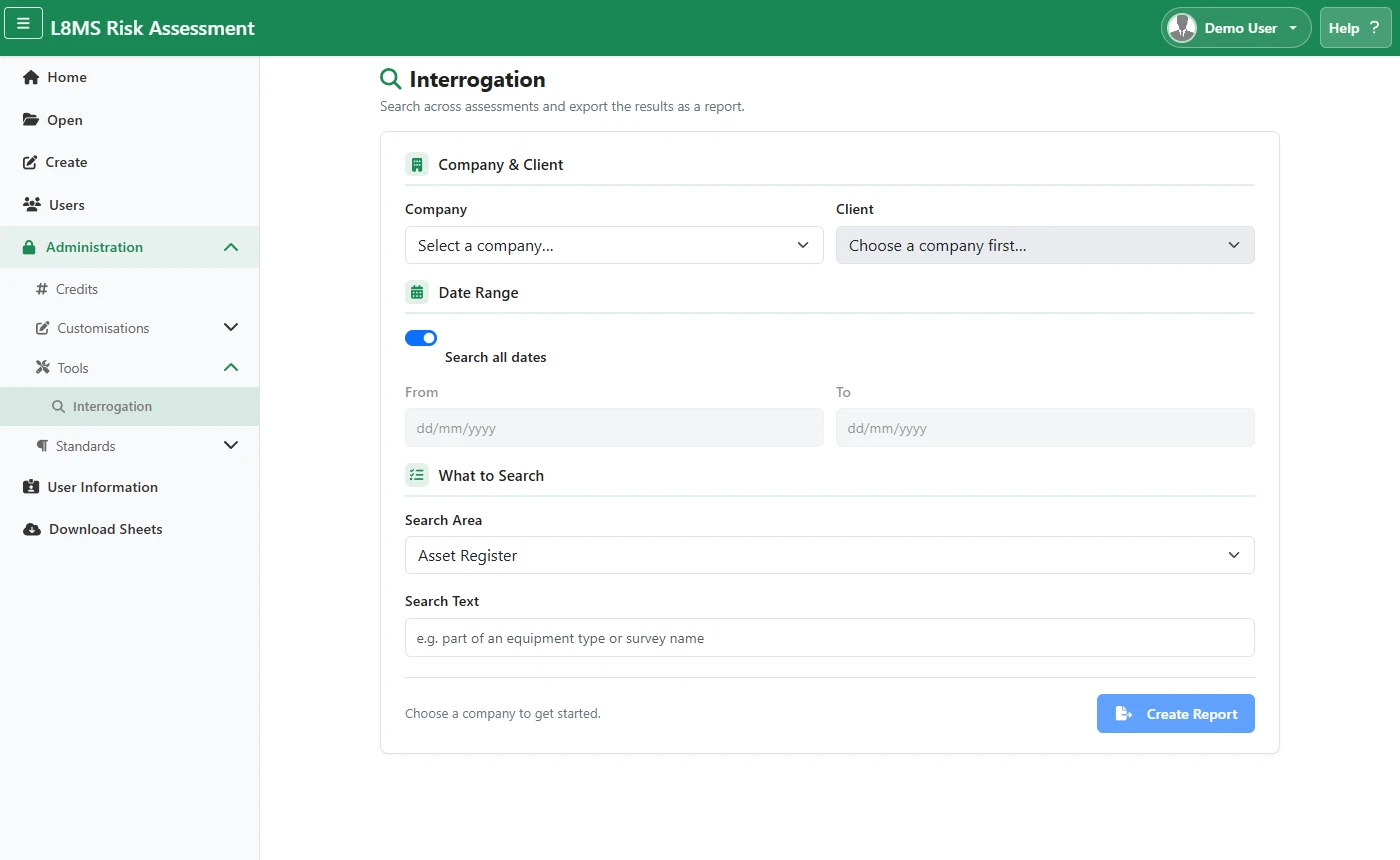 Interrogation.
Leave Search all dates on, or untick it and set a From / To range.
-
Pick a Search Area:
- Asset Register / Surveys — free-text search (Surveys can also be narrowed to a Question No).
- Remedials, Infrequently Used, Deadlegs, Deadlegs Photos, Control Measures.
Click Create Report. The results download as a spreadsheet.